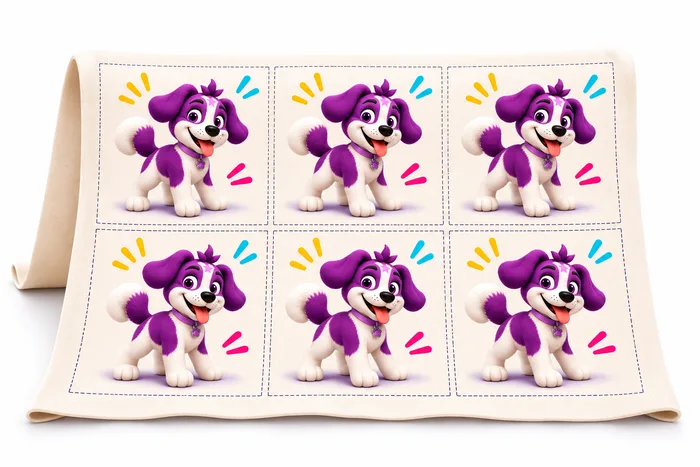
Do you want to cover fabric with a repeating pattern, test your design on a sample or print a single graphic? Choose the option in the configurator that suits what you plan to sew.
Printing by the metre
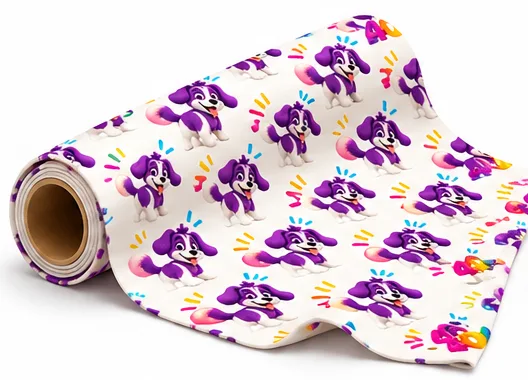
Choose this option if your pattern should cover the full print width and the ordered length of fabric — for clothing, bedding or home decor, for example.
Upload one repeat tile, the section of artwork that repeats to form your pattern. In the configurator, set its size, repeat layout and fabric length in linear metres. Before ordering, check the preview and quality at your chosen scale.
A 46 × 46 cm sample
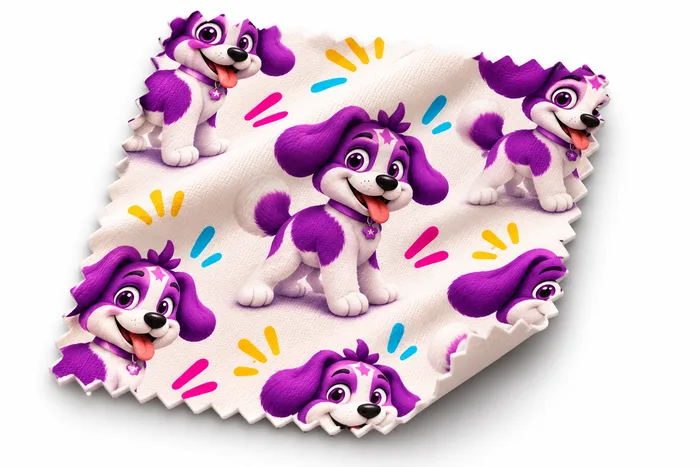
Choose a sample if you want to test your design on a particular fabric before placing a larger order.
The print keeps the scale you set — we do not shrink the pattern to fit it all onto the sample. If the repeat tile is larger than 46 × 46 cm, you will see part of it. You can assess colours, motif size and fabric texture.
This is different from a fabric swatch set, which helps you compare the available fabrics.
One panel per row
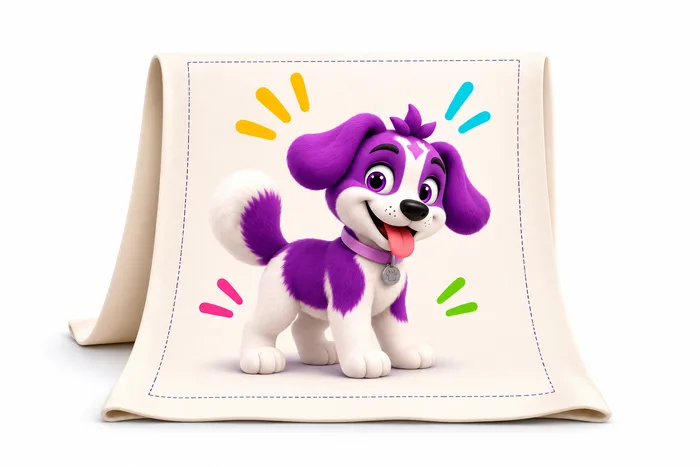
A panel is a single graphic with specific dimensions, such as an illustration for a cushion, blanket or garment front. Its edges do not need to join into a continuous pattern.
In this layout, there is one panel across the fabric width, with further copies placed below it. Set the panel size and quantity, and the configurator calculates the fabric length needed. The panel must fit within the chosen fabric’s print width.
Multiple panels per row
Choose this option to print several smaller copies of a graphic side by side, for example for appliqués, toiletry bags or cushions.
The configurator arranges the panels within the available print width. Set their size, quantity and horizontal and vertical spacing. Check the full layout in the preview before confirming your order.
For more on dimensions and allowances, see how to prepare a panel for printing.